How to check your refund status
- Log in to the income tax e-filing portal with your PAN (or Aadhaar) and password.
- Go to e-File → Income Tax Returns → View Filed Returns.
- Find the assessment year and open View Details. The timeline shows when the return was filed, verified and processed, and the refund status, with the amount, date and mode if it has been issued.
You can also open Services → Refund/Demand Status for a summary across years.
Your return must be e-verified first. Until it is, processing doesn't start, and nothing happens to your refund.
What each refund status means
| Status | Meaning | What to do |
|---|---|---|
Return processed, refund issued | The refund has been sent to your bank account | Check the account. It usually reaches you within a few days of the issue date. |
Refund failed | The bank couldn't credit it, typically because the account wasn't pre-validated, was closed, or the name didn't match | Fix the bank account, then raise a refund reissue request |
Refund adjusted against demand | The refund was used to clear tax the department says you owe for another year | If you disagree, respond to the adjustment intimation and dispute the old demand |
Processed with reduced refund | The department changed some figures | Read the 143(1) intimation to see what changed |
Processed, no refund / no demand | Your tax paid equals your tax due | Nothing |
Not yet processed | Still in the queue | Wait, and make sure you have no pending action on the portal |
How to raise a refund reissue request
- On the e-filing portal, go to My Profile → My Bank Account. Add the correct account and pre-validate it. It must be in your name and linked to your PAN.
- Once validation succeeds, go to Services → Refund Reissue.
- Select the failed refund, choose the validated account, and e-verify the request.
The reissued refund goes to the new account. Raise only one request at a time and wait for it to be processed.
Why refunds get delayed
- The return was filed but not e-verified.
- The bank account is not pre-validated, or your PAN is inoperative because it isn't linked with Aadhaar. Check it with our PAN-Aadhaar link checker.
- An outstanding demand from an earlier year, which the refund may be adjusted against.
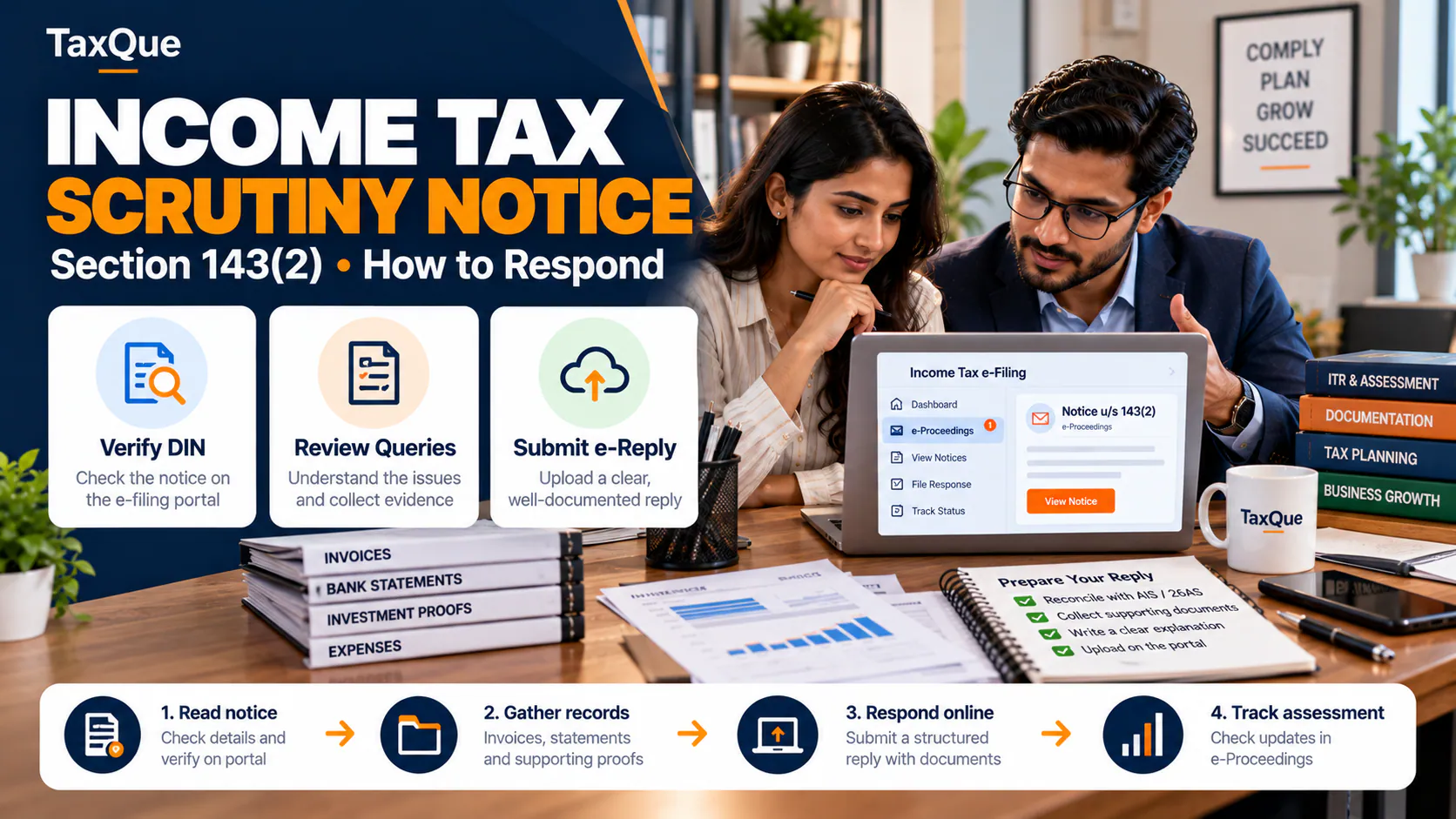
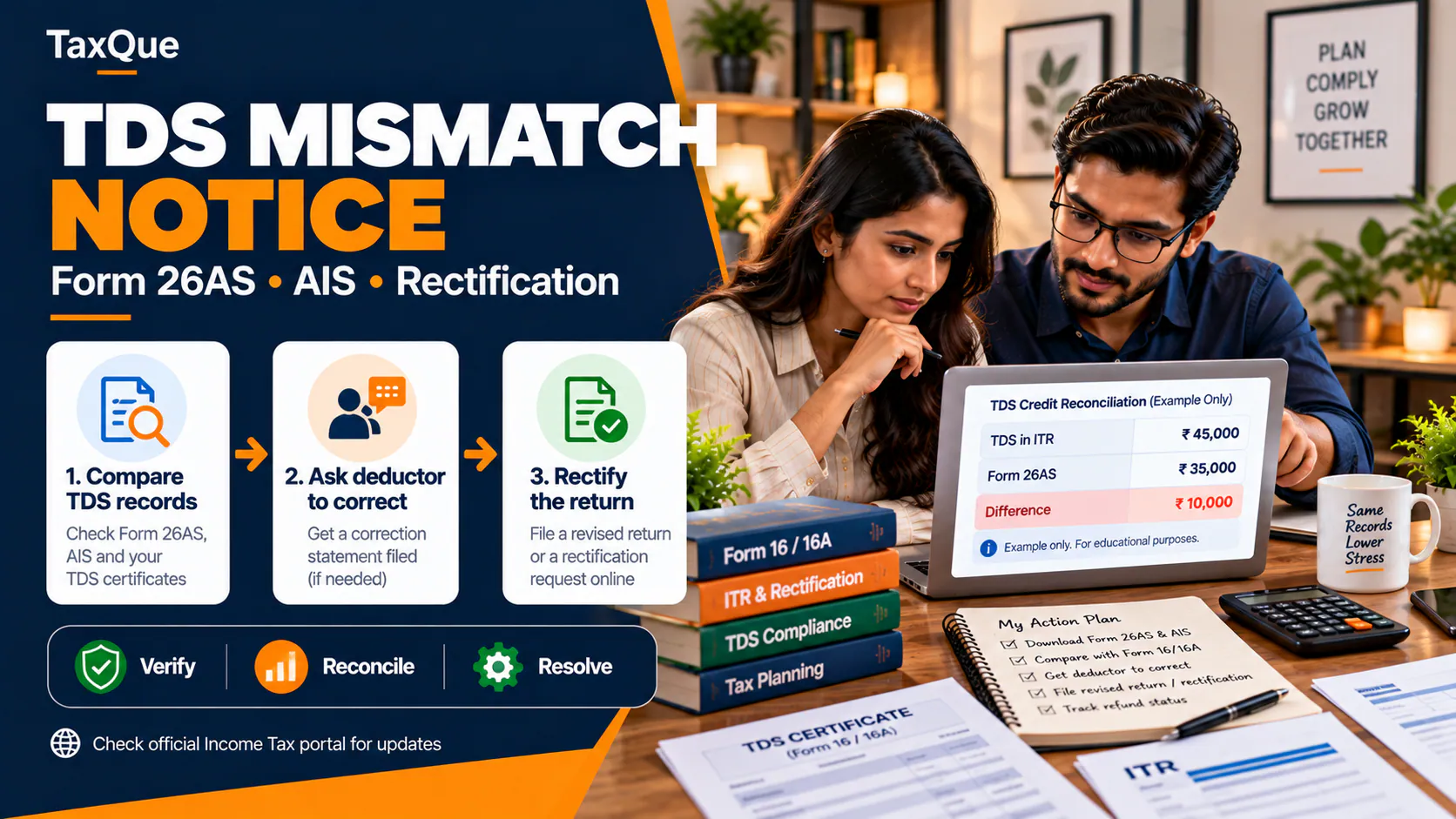
- A mismatch between your TDS claim and Form 26AS, or income in your AIS that you didn't report. The return may be held for a closer look.
- A pending response to a notice or a defective-return communication.
Check for outstanding demands first
A refund can quietly disappear into an old demand. Before chasing a refund, open Pending Actions → Response to Outstanding Demand on the portal. If there is a demand from an earlier year, the department can adjust your refund against it after sending an intimation.
- If the demand is correct, agree to it. The refund clears it and you receive any balance.
- If it is wrong, perhaps already paid, or raised on a mistake since fixed, choose "disagree" and give the reason and proof. Old demands from mismatched TDS or unprocessed rectifications are common, and are often cancelled once the explanation is filed.
Old demands are also why some refunds show "adjusted" when you expected cash in the bank.
Do you get interest on a late refund?
Yes. When a refund is due because more tax was deducted or paid than needed, the department pays interest of 0.5% a month (6% a year), generally from 1 April of the assessment year if you filed on time. It is added to the refund automatically. That interest is taxable income: report it in next year's return as income from other sources.
Want the refund right the first time? TaxQue's income tax return filing service matches your return to your AIS and Form 26AS before filing, which is what keeps refunds from getting stuck. Our ITR documents checklist shows what to keep ready.