
Before paying to file a patent, try searching for the invention yourself. Patent search in India is free through the Indian Patent Office's InPASS database. You can also search foreign patents through Google Patents, Espacenet and WIPO PATENTSCOPE. The aim is to find earlier inventions, publications or technical disclosures that might affect whether your invention is new.
Start with the official IP India InPASS public search Official ↗. Search the core technical feature—not just the product's brand name—and compare the claims and drawings of the closest results. This guide shows exactly how to do that, what to record and when a professional patentability or freedom-to-operate review is needed.
A clear search result does not guarantee a patent. Unpublished applications, different technical terms and non-patent publications may contain relevant prior art. A patentability search also does not establish that you are free to manufacture or sell a product.
Where to search patents in India for free
| Free search tool | What it covers | Best first use | Official access |
|---|---|---|---|
IP India InPASS | Published Indian patent applications and granted Indian patents | Checking Indian disclosures and locating patent records | |
Google Patents | Patent publications from numerous patent offices, including translated documents | Broad keyword searches, related patents and citations | |
Espacenet (European Patent Office) | Global patent-document collections with family and classification tools | Searching similar inventions by IPC/CPC class | |
WIPO PATENTSCOPE | Published PCT international applications and participating national collections | Checking international applications and global disclosures | |
Google Scholar and technical publications | Research articles, academic papers, product manuals and other technical disclosures | Looking beyond patent databases for prior art |
You do not need to pay an official search fee to use these basic public search services. However, access conditions, captchas and available features vary by platform. Source references: IP India public-search gateway Official ↗, EPO Espacenet guide and WIPO PATENTSCOPE .
How to do an Indian patent search on InPASS: step by step
The Indian Patent Advanced Search System, usually called InPASS, is the best starting point when you want to find a published Indian patent application or a granted Indian patent.
Search on the official IP India portal
-
Open InPASS
Visit the official Indian patent search page Official ↗ or use the Public Search link on ipindia.gov.in
-
Choose publication type
Select Published or Granted, depending on what you need to examine; repeat with the other option for broader coverage
-
Choose the search field
Select the available field that matches your information, such as title, abstract, applicant, inventor, application number or classification
-
Enter the technical search
Search a short, precise phrase; add another field or logical operator when useful
-
Complete the captcha
Enter the displayed verification code and run the search
-
Review the matches
Open close results and check their publication details, claims, description and drawings where available
-
Save the records
Record publication/application numbers, dates, key features, search terms and links in your search log
The public search interface currently provides publication-type choices, search fields, optional date filters, logical operators and a captcha. Labels may change as IP India updates the portal. See the official interface Official ↗.
Example: searching for a new industrial filter design
Suppose you have designed a self-cleaning air-filter assembly for heavy equipment. Searching only loader filter is too broad. Searching your brand name is too narrow.
Try technical alternatives such as:
self cleaning air filterautomatic dust removal filterreverse pulse filter cleaningair intake filter regenerationfilter housing cleaning mechanism
Look for a document describing the same mechanism, even if its title is completely different. A prior publication for an agricultural machine, generator or industrial compressor might still be relevant to an invention intended for a wheel loader.
Write down why each close document is relevant. A list of search results without notes will be difficult to use when you prepare patent claims or consult a patent professional.
How to search on Google Patents, Espacenet and WIPO PATENTSCOPE
1. Google Patents: widen the search beyond India
Open Google Patents and begin with a plain-English description of what the invention actually does. Repeat with synonyms and shorter phrases. For a close result, inspect the abstract, drawings, claims, priority date, family members and cited documents.
Google Patents groups related results by patent classifications and often displays only one representative of a simple patent family at first. Open the family information so you do not mistake the same invention filed in several countries for unrelated inventions. Google's search-result guide explains this grouping.
2. Espacenet: search by technical classification
Open Espacenet using the EPO's official access page if needed. Find one highly relevant document, then inspect its IPC or CPC classification. Use that classification for a new search.
This is useful because two inventors may describe the same technical feature in completely different language. Classification searching helps uncover documents that simple keyword searches miss. Espacenet also helps you inspect patent families, citations and available legal-status information.
3. WIPO PATENTSCOPE: check published PCT applications
Use PATENTSCOPE to search for published Patent Cooperation Treaty (PCT) applications, using keywords, applicant names, application numbers or IPC codes. Its official overview describes the collections and search options.
Important: A PCT application is not automatically an enforceable patent in India. Check whether the relevant application entered India's national phase and what happened to the Indian application before making any conclusion about Indian patent rights.
4. Non-patent literature matters too
An invention can be disclosed outside a patent database: a university paper, engineering manual, public product demonstration, journal article or technical webpage may matter. Search Google Scholar , academic publications, manuals and relevant industry documents. Google itself recommends looking at non-patent literature when investigating prior art. Source: Google Patents coverage guidance .
A repeatable patent prior-art search strategy
A good search is a series of increasingly focused searches, not one query.
Step 1: Break the invention into its technical features
Write one sentence describing the problem and how your invention solves it. Then separate the essential features. For the hypothetical air-filter design, that could be a sensor, a cleaning pulse, a valve arrangement and the way the filter returns to operation.
Step 2: Create synonyms for each feature
Use different words for the same function. One inventor may write dust removal, another filter regeneration. Combine two or three important features in different ways.
Step 3: Search both Indian and international records
Begin with InPASS, then repeat the core terms on Google Patents, Espacenet and PATENTSCOPE. Search internationally even if you only plan to file in India: published technical knowledge from outside India can affect novelty.
Step 4: Find related IPC/CPC classes
Record classifications shown on the closest documents. Search those classes independently and combine them with keywords when possible.
Step 5: Follow backward and forward citations
Read the earlier documents cited by the closest result. Where the database supports it, inspect later publications that cite the same result. This often reveals related solutions you would not find through keywords alone.
Step 6: Compare the actual claims, description and drawings
Do not decide solely from the title. Identify what the earlier document disclosed and what your proposed claims would add. Review the complete document and publication date carefully.
Step 7: Keep a search log and update it before filing
| Record | What to note |
|---|---|
| Search date and tool | The database and date of your search |
| Keywords and filters | Exact search words, IPC/CPC codes and date range |
| Document number | Published application or patent publication number |
| Relevant disclosure | Which drawing, paragraph or claim resembles your feature |
| Difference | What your invention adds or changes |
| Follow-up | More search needed, legal-status check or professional review |
An incomplete log is still more valuable than relying on memory. It also helps you explain the invention to a patent agent without overlooking an important document.
How to read patent search results: publication, claims and legal status
| What you see | What it tells you | What not to assume |
|---|---|---|
Published patent application | An invention has been disclosed through an application | The invention is already granted |
Granted patent | Rights have been granted in the relevant jurisdiction | The patent is necessarily still in force |
Application or priority date | A date relevant to patent filing and prior-art analysis | It is always the only legally relevant date |
Claims | The wording defining the scope of claimed protection | The title or abstract defines the legal scope |
Patent family | Related filings for an invention across offices | One country's result is automatically enforceable everywhere |
Legal status | Reported events such as grant, lapse or expiry | Database status is guaranteed current and complete |
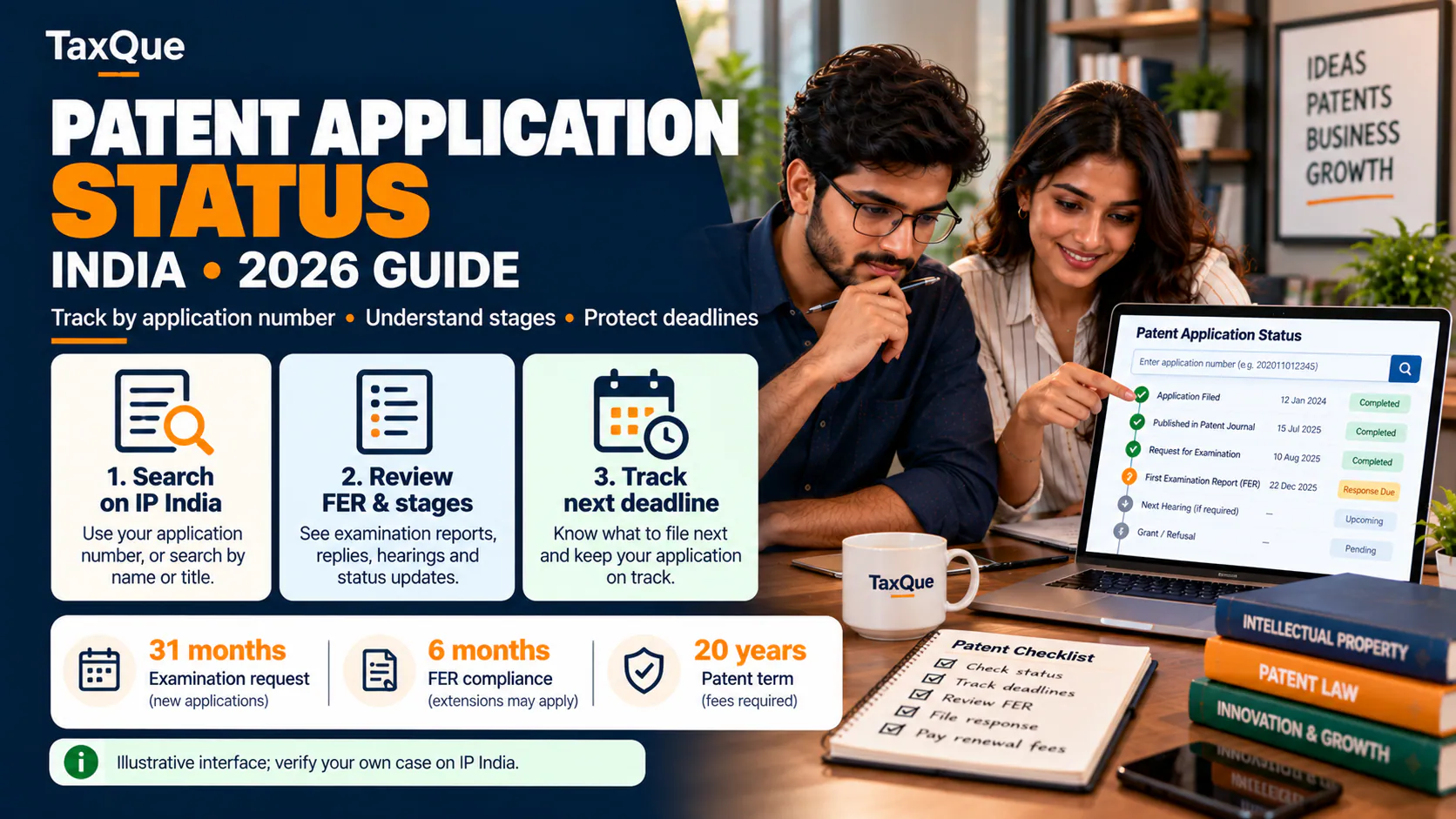
If you need to know whether a particular Indian application has been examined or granted, use the patent-status service rather than relying on a general keyword result. See TaxQue's patent application status guide.
Patentability vs freedom to operate: they are not the same search
Imagine you develop a better valve for a machine. Your improvement may satisfy patentability requirements, yet manufacturing the full assembly might still fall within the claims of an earlier active patent.
- Patentability search: Does earlier public knowledge undermine the novelty or inventive step of your proposed invention?
- Freedom-to-operate (FTO) search: Could making, using, importing or selling the proposed product infringe enforceable patents in the countries where you plan to operate?
- Legal-status check: Is the relevant patent pending, granted, expired, lapsed, revoked or otherwise affected, and in which jurisdiction?
These analyses use overlapping documents but answer different questions. A detailed FTO opinion generally requires claim interpretation and jurisdiction-specific legal review.
What Indian patent law looks for after the search
Under the Patents Act, 1970, Section 2 Official ↗, a patentable invention must generally involve a new product or process, an inventive step and industrial applicability. Finding no exact match in one database does not establish those requirements.
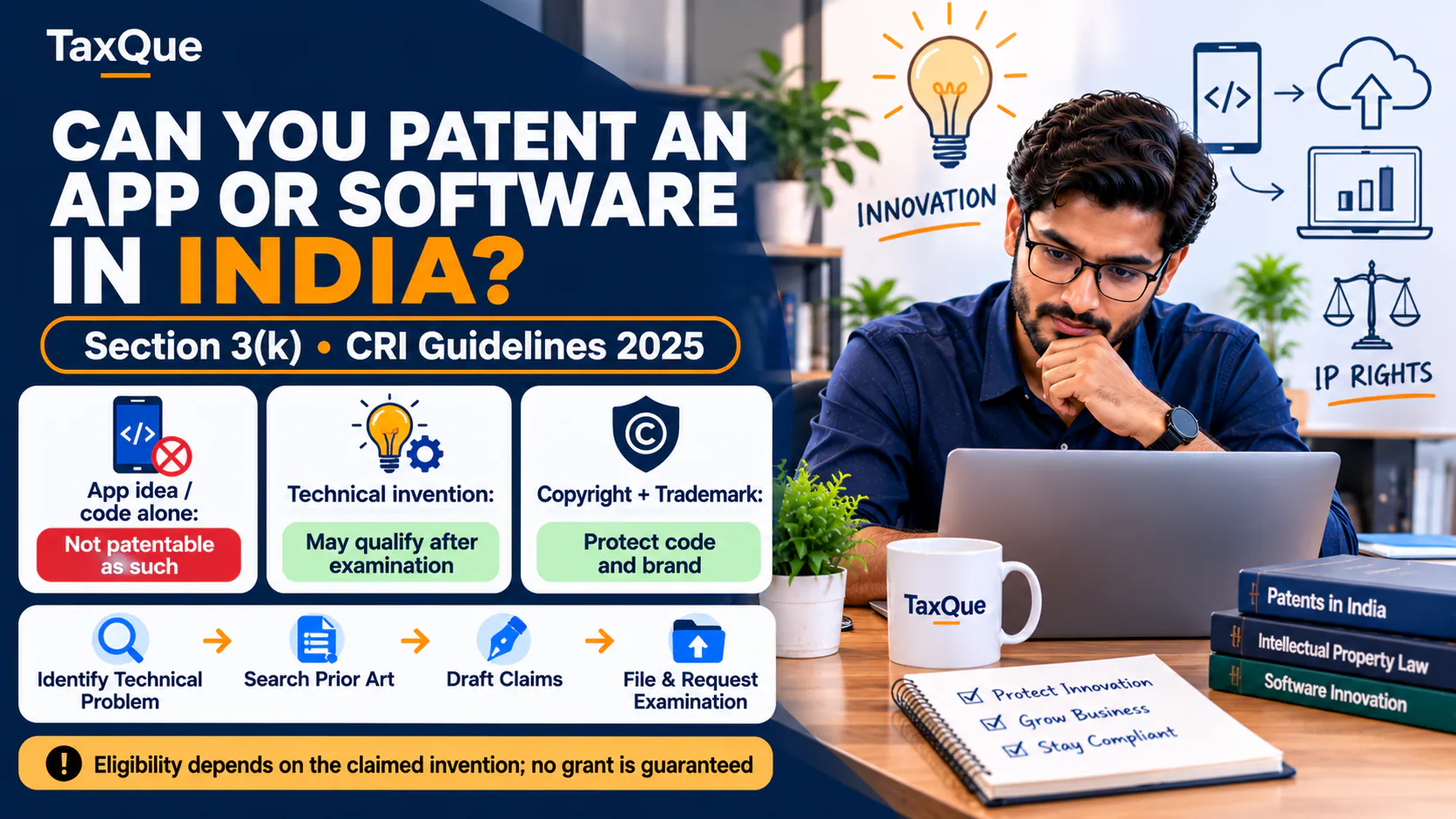
The invention must also avoid exclusions under the law. For instance, Section 3(k) Official ↗ addresses mathematical or business methods, computer programmes per se and algorithms. An invention involving software therefore needs a more careful technical and legal assessment than a simple keyword search.
Why you cannot find every recent application
Under Section 11A Official ↗ and Rule 24 Official ↗, patent applications are ordinarily published after 18 months from the relevant filing or priority date. Earlier publication can be requested, and statutory exceptions apply.
This creates a blind spot: a relevant application might have been filed but not yet published when you search. Database coverage and indexing delays create additional limitations. That is one reason no responsible provider can promise a perfectly exhaustive search.
Seven mistakes to avoid when searching for a patent
- Searching only India: prior art can originate anywhere in the world.
- Using only one keyword: technical synonyms often uncover the closest records.
- Searching the product's marketing name: prior art describes technical functions, not necessarily branding.
- Reading only the abstract: the description, drawings and claims are essential.
- Ignoring journals and manuals: relevant disclosures are not limited to patents.
- Treating an application as a granted patent: verify the status and relevant jurisdiction.
- Assuming a successful prior-art search means you can sell the product: FTO is a separate assessment.
What to prepare before contacting a patent professional
- A short description of your invention and the problem it solves.
- Diagrams or a working explanation of the important parts.
- A list of what you believe is different from existing products.
- Your search log with the closest patent publications and technical papers.
- Any public disclosure you have already made, including demonstrations, sales pages or videos, with dates.
- The countries where you intend to seek protection or sell the product.
If you are ready to explore filing, review TaxQue's patent registration service and confirm the scope of the search, drafting and filing assistance before proceeding. For software inventions, also read patenting software and apps in India. For a brand name or logo rather than a technical invention, see trademark public search.
Explore Patent Registration Assistance
Final takeaway
Start with the official Indian patent search to check relevant Indian records. Search the same invention globally, use technical classifications, read the closest documents in full and maintain a simple evidence log. These steps can help you avoid an obvious conflict before spending on an application, but they cannot replace a patentability opinion or a freedom-to-operate review when significant investment is at stake.
Official references and research tools
- IP India: Patent Public Search and InPASS Official ↗
- IP India: Basics of Patents Official ↗
- Patents Act, 1970: Section 11A Official ↗
- Patents Rules, 2003: Rule 24 Official ↗
- European Patent Office: Espacenet
- WIPO: PATENTSCOPE
- Google Patents: Search Results Guide
Reviewed against these primary sources on 16 October 2026. Portal screens and legal requirements may change; check the current official instructions before taking action.