
You filed your income tax return, completed e-verification and then received a PDF headed “Intimation under Section 143(1)”. The first question is usually: Has something gone wrong?
Not necessarily. This is the Income Tax Department's summary of how your return was processed. It may confirm that no further tax is payable, show a refund, or calculate an additional demand. What matters is whether the figures processed by the Centralised Processing Centre (CPC) match your filed return and tax-payment records.
If the document shows a demand, do not pay it again before checking whether your TDS, advance tax or self-assessment tax has already been credited. Equally, do not ignore an incorrect demand: a disagreement response and a rectification request serve different purposes.
Open the official Income Tax e-Filing portal
Three things to check first
Result
Refund, demand or neither
Find the outcome in the intimation
Difference
As filed vs as processed
Compare taxable income and tax credits
Action
Accept, correct or challenge
Choose the remedy before deadlines expire
What is an intimation under Section 143(1)?
When an income tax return is submitted and verified, CPC processes it using statutory checks. An intimation tells you the income, tax, credits and resulting demand or refund determined by that processing. It is not the same as a scrutiny assessment, which involves a separate notice and a more detailed examination.
For AY 2026–27 and earlier, the processing provision is Section 143(1) of the Income-tax Act, 1961. For Tax Year 2026–27 onward, the corresponding provision is Section 270(1) of the Income-tax Act, 2025, effective from 1 April 2026. That is why a PDF issued in October 2026 for AY 2026–27 can still correctly refer to Section 143(1). These are different year labels, not conflicting rules.
The older Act can be checked at the official Section 143 text Official ↗. The new processing and rectification provisions appear in the Income-tax Act, 2025, as amended by Finance Act, 2026 Official ↗.
A 143(1) final intimation and a 143(1)(a) proposed-adjustment communication are not interchangeable. The latter asks for your response before CPC finalises a particular adjustment; the former states the result of processing.
Download your Section 143(1) intimation PDF
You need not rely on an emailed attachment. The portal lets you download a copy against the relevant return.
Download from the official portal
-
Sign in
Open incometax.gov.in Official ↗ and log in to the taxpayer account
-
View returns
Go to e-File → Income Tax Returns → View Filed Returns
-
Pick the year
Select the relevant Assessment Year and filing record
-
Download
Open the available Intimation Order / Download Intimation option
-
Save securely
Keep the PDF and the original ITR acknowledgement together
The department's Know Your ITR Status manual Official ↗ explains that the View Filed Returns page provides the acknowledgement, return and intimation-order downloads. Portal labels can change slightly.
If the PDF asks for a password, follow the instruction displayed in the download or email communication. A common individual-taxpayer format is PAN in lowercase followed by date of birth in DDMMYYYY, but do not treat that as a universal password for every taxpayer category or document. Avoid forwarding the unredacted PDF to unknown people: it contains personal and financial details.
Three possible outcomes — and what to do
| Result in the intimation | What it means | Next action |
|---|---|---|
No demand, no refund | Processing shows no amount payable or refundable | Save the document; check for any changes to income or losses |
Refund due | Tax credits exceed the processed liability | Compare the refund with your ITR, verify bank details and monitor refund status |
Demand payable | CPC calculated more payable tax than the credited amount | Identify whether the difference comes from tax computation, credit mismatch or an adjustment before paying or disagreeing |
A nil-demand result does not always prove that every entry was accepted unchanged. For example, an adjustment to a carried-forward loss can matter in a later year even if it produces no immediate tax. Under both Acts, particular loss adjustments can still require an intimation.
How to read the intimation, line by line
Most intimations compare figures “As provided by taxpayer” with “As computed under Section 143(1)”, or similar descriptions. Read the lines in this order rather than jumping straight to the amount payable.
| Line in intimation | What to compare | Why a difference matters |
|---|---|---|
Total income by head | Salary, house property, business, capital gains, other sources | Detect missing or altered income figures |
Deductions and losses | Claimed deduction, set-off and carry-forward | Some claims have statutory conditions or filing deadlines |
Total taxable income | Amount after permissible adjustments | Drives the tax computation |
Tax and rebate | Slab or special rates, rebate, surcharge and cess | Check regime and tax computation |
Interest and fees | Interest or statutory filing fees | Can explain a demand despite unchanged income |
TDS/TCS | Credit claimed vs credit allowed | Mismatches can reduce refund or create demand |
Advance/self-assessment tax | Challans and correctly entered year and payment details | A missing credit can create a misleading demand |
Refund/demand | Final balance after credits | The result you must act on |
Take a pen or spreadsheet and note each mismatch with its supporting document. That short reconciliation is usually more useful than immediately writing a long objection.
Example 1: tax already paid but CPC shows a demand
Suppose your return shows the following (illustrative figures):
| Particulars | As filed | As processed |
|---|---|---|
Tax liability including applicable additions | ₹1,20,000 | ₹1,20,000 |
TDS credit | ₹90,000 | ₹90,000 |
Self-assessment tax paid | ₹30,000 | Nil |
Balance | ₹0 | ₹30,000 demand |
The calculated tax has not increased. The difference is the missing ₹30,000 credit, perhaps because a challan was omitted from Schedule IT or matched to the wrong year.
What to do: check your payment receipt, PAN, Assessment Year, challan identification details and the return's tax-paid schedule. The department's Tax Credit Mismatch guidance Official ↗ explains how to identify a mismatch; after receiving the intimation, a suitable rectification request may be available. Do not assume a second ₹30,000 payment is the fix.
Example 2: the refund is smaller than expected
You filed expecting a ₹20,000 refund: processed tax liability ₹1,00,000 and claimed tax credits ₹1,20,000. CPC recognises only ₹1,05,000 in credits, so the intimation now shows a ₹5,000 refund.
The difference is ₹15,000. Identify which tax-credit line dropped, and compare it with Form 26AS and the applicable TDS certificate or challan. If a deductor has not filed or corrected its TDS statement, contact that deductor. If the payment exists but your own filing details are wrong, choose the appropriate correction channel. A smaller refund is not proof that you earned more taxable income.
What adjustments is CPC legally allowed to make?
Section 143(1)(a) covers certain prima facie adjustments, such as arithmetical errors, incorrect claims apparent from information in the return, particular late-filed loss/deduction claims, and differences involving audit-report items. This is a limited processing power; it does not automatically authorise a full investigation into every AIS transaction.
One outdated description needs special care. The older statutory text mentions an addition of income appearing in Form 26AS/Form 16A/Form 16, but a proviso disallows that specific automated adjustment for returns for AY 2018–19 onward. An AIS entry by itself should therefore not be described as something CPC can routinely add under that old clause. The department may address unexplained information through other lawful processes, which is a different matter.
The official Section 143 text Official ↗ sets out the categories and provisos; Section 270 Official ↗ contains the corresponding framework for the new tax-year system.
Received a proposed adjustment under Section 143(1)(a)? Respond before processing
This communication usually identifies a discrepancy and invites you to agree or disagree. Under the 1961 Act, CPC considers your response and may proceed if none is received within 30 days of the proposed-adjustment communication. The same 30-day response framework appears in Section 270(2) under the 2025 Act.
- Log in to the Income Tax portal Official ↗ and go to Pending Actions → e-Proceedings.
- Open the relevant Prima Facie Adjustment notice. Download and read the PDF.
- Review each variance and select Agree or Disagree based on the return and evidence.
- For a disagreement, give a clear explanation tied to the relevant return schedule, statutory provision or payment entry.
- Submit before the notice deadline and keep the transaction ID or acknowledgement.
The official Prima Facie Adjustment User Manual Official ↗ shows the response interface. The 30 days here relate to the proposed adjustment, not an automatic rule that every 143(1) outcome must be disputed in 30 days.
What if you disagree with a completed 143(1) intimation?
Your next step depends on who made the mistake and what must be changed. Filing a revised return, requesting rectification, replying to a demand and filing an appeal are distinct processes.
| Remedy | Use it when | What it does not do |
|---|---|---|
Revised return | Your original return needs correction and the statutory revision window remains open | Not simply a request to correct a CPC processing error |
Rectification | A mistake apparent from the existing record affects the processed intimation or order | Not a substitute for a contested, evidence-heavy reassessment or appeal |
Response to outstanding demand | You agree, partly agree or disagree with an outstanding demand | Does not by itself cancel an erroneous assessment or guarantee a refund will not be adjusted |
Appeal (where permitted) | You challenge an appealable adjustment or order, beyond a straightforward rectifiable error | Does not automatically pause collection unless relief/stay is granted |
If the underlying issue is complicated or a notice time limit is near, obtain qualified advice rather than starting several contradictory requests.
How to file rectification under Section 154
For AYs governed by the 1961 Act, Section 154 permits correction of a mistake apparent from the record. A common situation is a tax payment appearing in government records but omitted from the return's credit schedule.
Rectification on the e-Filing portal
-
Find the mismatch
Download the latest processed intimation and reconcile the relevant line
-
Fix the source
For missing TDS, ask the deductor to correct the statement; for tax payments check the challan
-
Open rectification
Sign in → Services → Rectification → New Request
-
Choose the request
Select the correct assessment year and available request type (such as Reprocess Return or Tax Credit Mismatch Correction)
-
Provide accurate details
Complete the permitted correction fields and submit the request
-
Track the outcome
Check the rectification status and download any resulting order
The Rectification User Manual Official ↗ and Rectification FAQs Official ↗ explain the options. The ordinary limitation on passing a Section 154 rectification order is four years from the end of the financial year of the order being rectified; the department's guidance also refers to a six-month disposal period after an application. These are not permissions to ignore urgent demand or appeal deadlines.
Under the Income-tax Act, 2025, Section 287 contains the corresponding rectification provisions for newer tax years. The Income Tax Department confirms that Section 154 can still apply to older assessment years despite commencement of the new Act: transition FAQ Official ↗.
What to do with a demand: agree, partly agree or disagree
Before proceeding, compare the demand with both the ITR and the intimation. Then open Pending Actions → Response to Outstanding Demand on the official e-Filing portal.
- Agree in full: confirm the amount, use the prescribed demand-payment facility and retain the challan.
- Partly agree: explain the disputed balance and address the undisputed portion as required.
- Disagree in full: choose the appropriate reason, enter the facts and provide the information requested. File a rectification or other remedy if the underlying order is wrong.
The department's Outstanding Demand FAQ Official ↗ warns that unanswered demand may remain payable or be adjusted against a refund. A separate demand notice under Section 156 generally has a 30-day payment period, subject to the actual notice and statutory exceptions. Check its precise due date. Do not assume that clicking “Disagree” suspends recovery or constitutes an appeal.
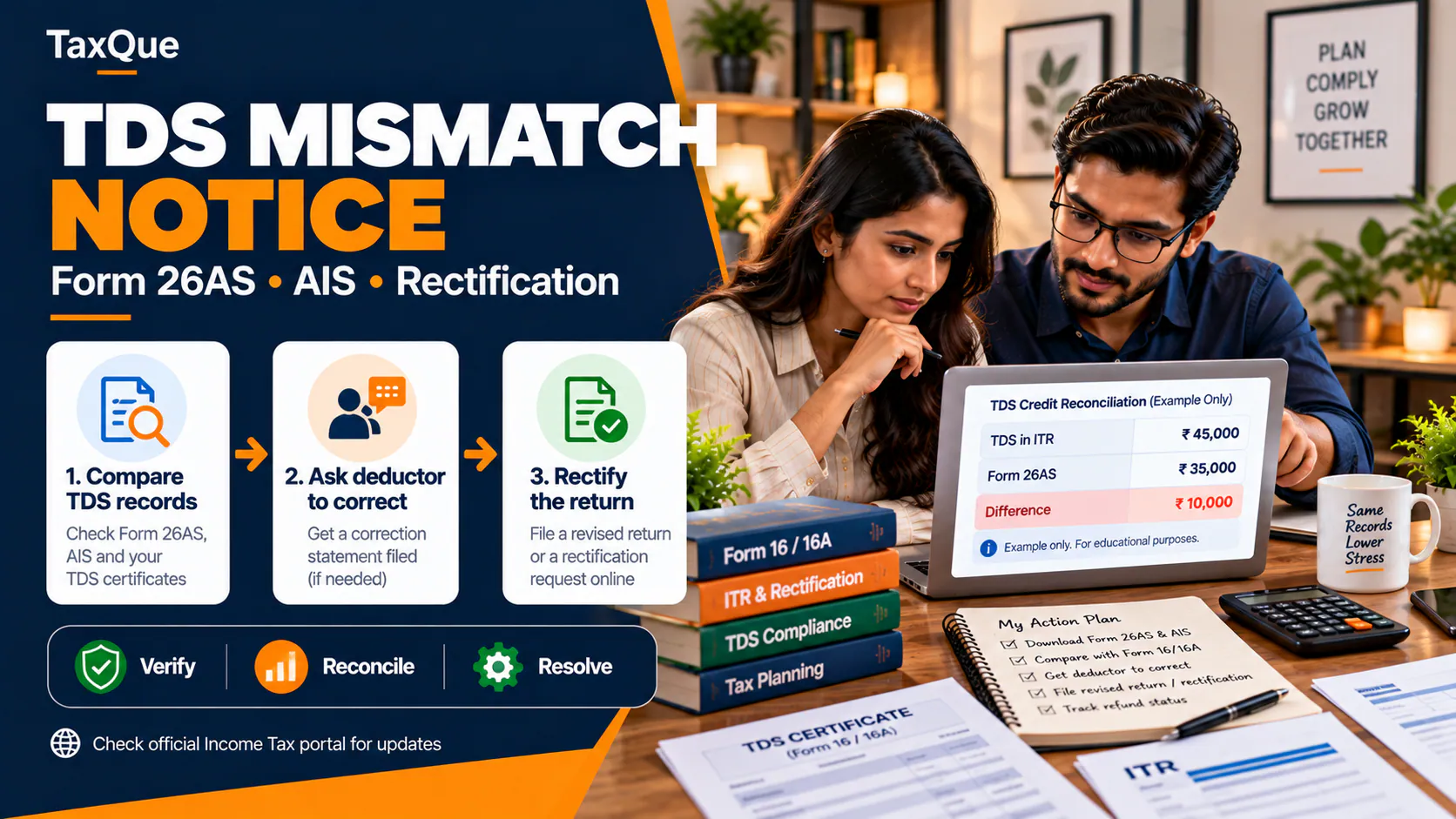
If your issue is an incorrect TDS credit, our TDS mismatch notice guide may help you identify which party must make the correction. To monitor money due back, use our income tax refund status guide.
Can a Section 143(1) intimation be appealed?
In qualifying circumstances, yes. For example, the Income Tax Department's Form 35 FAQ Official ↗ lists Section 143(1) intimations making disputed adjustments among appealable matters. It states the ordinary appeal period is 30 days from service of the relevant order or demand, with condonation possible when permitted.
An appeal is not the default response to every mismatch. Choose it where the issue is genuinely disputed or rectification cannot lawfully resolve it, and assess the deadline independently from any rectification request. An appeal fee and case-specific procedural rules may apply.
When should CPC send the intimation?
For the older Section 143(1) framework, the law generally prohibits an intimation being sent after nine months from the end of the financial year in which the return was filed. Section 270(4) uses the same broad nine-month structure for newer tax years.
Example: an ITR filed in August 2026 falls in FY 2026–27. Nine months after that financial year ends on 31 March 2027 is 31 December 2027. This describes the statutory outer limit for the intimation under the relevant provision, not a promised refund date.
There is also a statutory rule under which the return acknowledgement may be deemed the intimation where there is no tax payable or refundable and no adjustment. Downloadable documents and status descriptions can therefore vary by case.
A practical checklist before you respond
- ○ Download the ITR and processed intimation for the same AY
- ○ Confirm PAN, AY, DIN/reference number and issue date
- ○ Compare returned and computed total income, deductions and losses
- ○ Reconcile TDS/TCS with Form 26AS and the corresponding certificates
- ○ Reconcile advance tax and self-assessment tax challans
- ○ Review added interest and fee, if any
- ○ Identify whether you received a proposed-adjustment notice earlier
- ○ Read the exact due date on any demand or procedural notice
- ○ Decide whether revised return, rectification, demand response or appeal is appropriate
- ○ Keep acknowledgement numbers and any uploaded supporting documents
When to seek help
A missing ₹2,000 tax credit may be straightforward; a large demand, changed business income, disallowed loss or expired appeal period deserves closer review. The right response is based on the particular tax year, the actual intimation and the underlying evidence, not on the fact that the document is called a notice.
TaxQue offers income tax notice resolution to review the computation, compare tax-credit records and support the applicable correction or response. For a general explanation of other notices, read our income tax notice guide, or see how to file a revised return.
Get help with your income tax notice
Official sources and further reading
- Income-tax Act, 1961 — Section 143 Official ↗
- Income-tax Act, 1961 — Section 154 Official ↗
- Income-tax Act, 2025, as amended by Finance Act, 2026 — Sections 270 and 287 Official ↗
- Income Tax Department — Know Your ITR Status Official ↗
- Income Tax Department — Respond to Prima Facie Adjustment Official ↗
- Income Tax Department — Rectification Official ↗
- Income Tax Department — Tax Credit Mismatch Official ↗
- Income Tax Department — Response to Outstanding Demand Official ↗
- Income Tax Department — Form 35 Appeals Official ↗
Updated 19 October 2026. This is general information. Check the tax year, complete communication, portal status and any later official notification before filing a response.