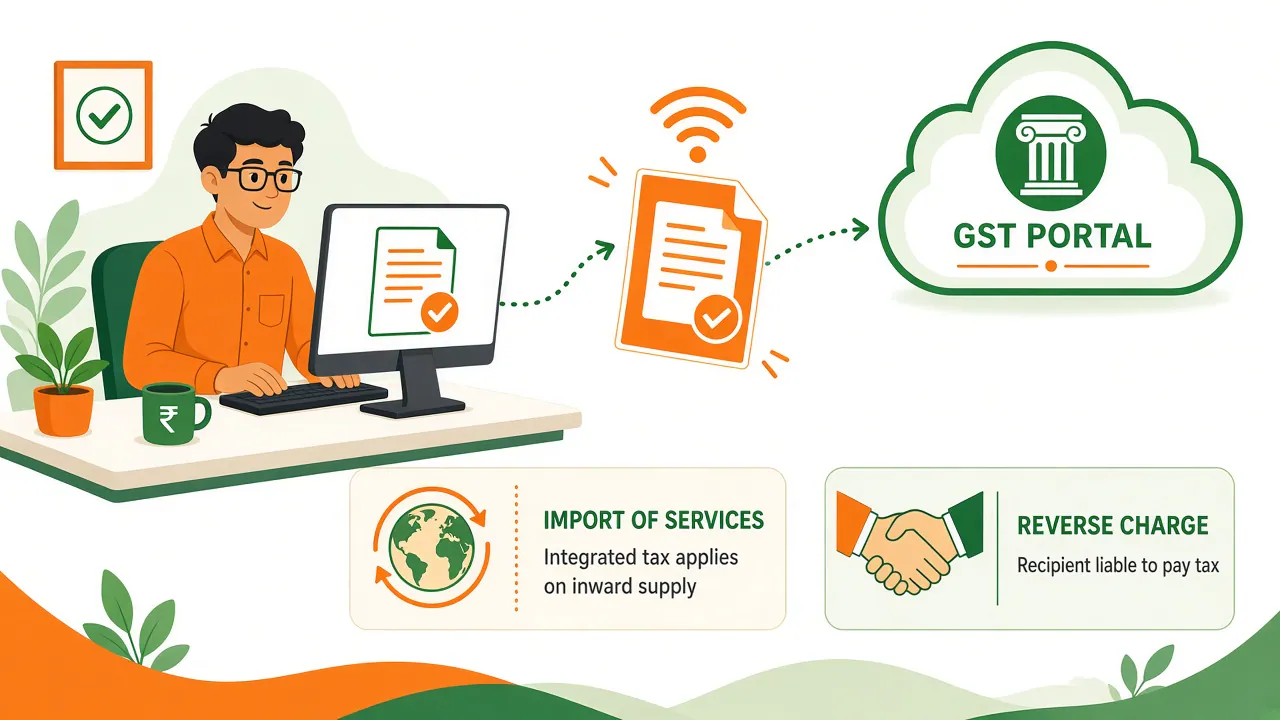

The Assam Commissioner of Taxes issued Circular No. 2/2026-GST on 20 November 2026 (File No. CT/GST-15/2017/Pt/67). It explains how to file and verify GST registration applications in Assam. If you are filing FORM GST REG-01, one easy-to-miss step is to enter the electricity utility and consumer account number for your principal place of business under State-Specific Information. The circular does not change who is liable to register or the applicable turnover thresholds.
Download the Assam circular and read the official guidance
- Download Assam Circular No. 2/2026-GST, 20 November 2026 (signed government PDF, mirror) ↗. The scan includes the circular’s annexures and FAQs.
- Assam Commissionerate of Taxes portal ↗: the circular is listed under updates dated 21 November; the signed circular is dated 20 November.
- Related CBIC Circular No. 257/03/2026-GST, 26 October 2026 (government-hosted PDF) ↗. For an Assam application, follow the Assam circular on state-specific fields and local premises records.
- GST Portal walkthrough for normal taxpayer registration Official ↗.
How to apply for GST registration in Assam
- Start Part A of FORM GST REG-01. On the GST Portal, select Services → Registration → New Registration. Choose Assam and the correct district. Enter your legal name exactly as it appears against your PAN. For a sole proprietor, this means the proprietor’s PAN name, not the shop name. Verify your mobile number and email to obtain a Temporary Reference Number (TRN).
- Complete Part B with the TRN. Fill in the business constitution, reason for registration, details of the people associated with the business and primary authorised signatory, business locations, and main goods or services with the relevant HSN or SAC codes. Upload your constitution documents, such as the partnership deed where applicable, and proof of authorisation where required. Upload recent, separate colour photographs and readable documents.
- Make the address match your evidence. Include the shop, flat or floor number, PIN, landmark and applicable Dag or Patta details; place the map pin on the actual premises. Declare additional places of business in Assam where applicable and provide the relevant proof. In the State-Specific tab, select the electricity utility (for example, APDCL if it supplies the premises) and enter the Consumer Account Number or Consumer ID for the principal place of business. Copy it from the matching bill, not from the meter number field.
- Submit and track your application. Follow the portal’s Aadhaar, biometric or document-verification instructions. If directed to a GST Suvidha Kendra or facilitation centre, follow the appointment instructions and take the requested originals. A TRN is not proof that you have filed, and an ARN is not a GSTIN. Track the application on the GST Portal.
Which premises document should you upload?
- You own the property: Provide one matching proof in the applicant’s legal name, such as a property or holding tax receipt, Jamabandi, mutation or Khajana record, or a recent electricity or water bill. Inherited property with mutation pending has a separate route: use the Annexure IV affidavit, death certificate and qualifying property proof as specified in the circular.
- You rent the property: A valid registered rent or lease agreement is the proof under that route. For an unregistered agreement where legally permissible, use a duly stamped valid agreement plus one matching landlord ownership or utility proof. If the utility is in the applicant-tenant’s name, the circular allows a matching recent bill in that name with the agreement. In genuine cases without a written agreement, refer to Annexure V and provide evidence of lawful possession; the undertaking alone is not enough.
- You use the property with consent: For rent-free use, such as premises belonging to a family member, partner or director, provide signed owner consent in the Annexure VII format and matching premises proof in the owner’s name.
- You work from a co-working space: Provide the service or membership agreement showing the term and the allocated desk or cabin. Also provide an ownership document if the operator owns the space, or the operator’s registered lease from the owner if the space is leased.
- You operate in an SEZ: Provide the applicable valid Letter of Approval or Letter of Permission.
Example: A proprietor rents a shop in Guwahati and the APDCL bill is still in the landlord’s name. For a lawful unregistered tenancy, upload the duly stamped agreement and the matching landlord bill if using it as premises proof. Make sure the shop address matches both documents, then enter the consumer number for that shop in State-Specific Information. The consumer number field does not mean the bill must be in the tenant’s name in every case.
Timelines, notices and what to do after approval
- Regular application without physical verification: The circular provides 7 working days from submission where Aadhaar authentication is completed and physical verification is not required.
- Physical verification cases: The prescribed timeline is 30 days from submission for applicable cases, such as when Aadhaar is not opted for or not successfully completed, or where physical verification is otherwise required.
- Three-working-day electronic routes are conditional: Rule 9A applies to cases selected by the portal. Rule 14A is a separate optional route for eligible applicants who expect monthly output tax liability on supplies to registered persons not to exceed ₹2.5 lakh. This is a tax liability test, not a turnover limit or a promise of three-day approval for every application.
- If you receive FORM GST REG-03: Read the specific request and reply online in FORM GST REG-04 within 7 working days from receipt. Replace unreadable or mismatched documents rather than submitting the same file again. The officer normally has 7 working days from the reply to decide. An approval results in FORM GST REG-06; a rejection is issued in FORM GST REG-05.
- After you get a GSTIN: Download the registration certificate. If you did not enter bank details earlier, Rule 10A requires them within 30 days of registration or before filing GSTR-1 or using the Invoice Furnishing Facility, whichever is earlier.
Unsure whether you need to register? Start with TaxQue’s GST turnover threshold guide for goods traders. For help checking an Assam premises document or a REG-03 notice before you reply, see TaxQue’s GST registration service.